· David Weller · 8 min read
The AI Use Hierarchy: a five-level framework for AI skills
Five levels of AI use, from first prompt to institutional capability, with capability, confidence and compliance measured at each. See where your staff sit.
Most staff now use AI at work. Far fewer have been trained to use it: Microsoft’s 2024 Work Trend Index found that only 39% of AI users had received any training from their employer.1 The result, in most organisations, is a wide and invisible spread. One colleague has never opened Copilot. The person next to them has built their own assistant. Nobody has a shared way to describe the difference, so nobody can plan for it.
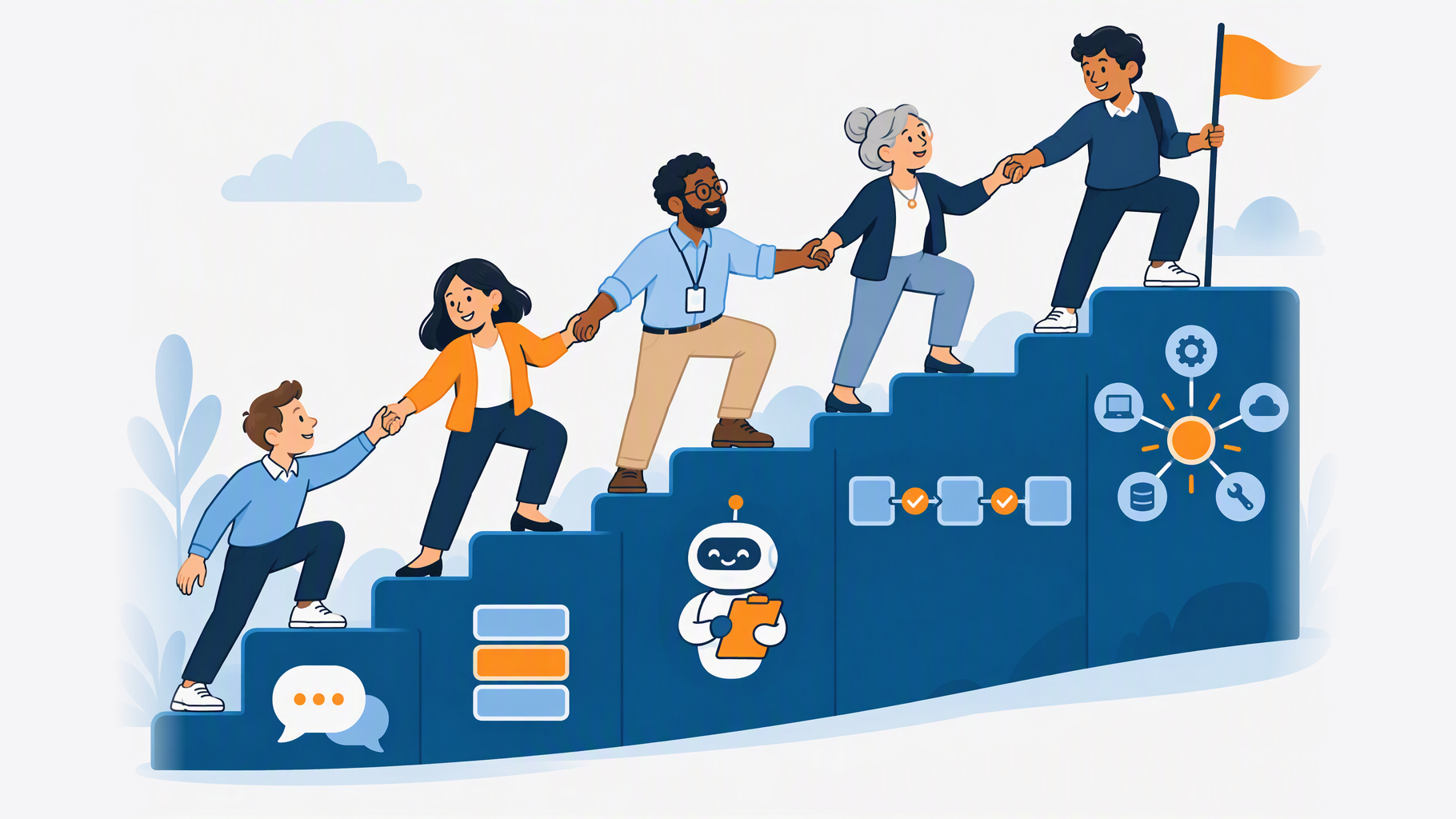
The AI Use Hierarchy is the framework we built to describe it. It sets out five levels of AI use, from someone’s first conversation with an AI assistant to AI connected into institutional systems. Every WorkSmart-AI course, workshop and AI Capability Check is mapped against it, so staff and leaders can see where they are and what comes next.
Why staff need a progression framework for AI
Most AI frameworks describe organisations. They ask whether you have a strategy, the right infrastructure and a governance board. That’s useful for a leadership team, but it tells an individual member of staff very little about what to learn next.
The AI Use Hierarchy describes people. It’s about how someone works with AI, not how much they understand about it. Nobody moves up a level by attending a session; they move up by changing how they work. That’s why every course we run opens with a real task rather than a demo.
The framework is also tool-agnostic. The levels hold whether your staff use Microsoft Copilot, ChatGPT, Gemini or Claude, so it stays useful when the tools change, which they will.
The five levels of AI use
Pick a level to see one real task at that level.
Level 1: Conversational AI
Using everyday AI assistants to draft, summarise and question. The starting point for most staff.
A task at this level: Ask an assistant to summarise a 40-page policy into five key points, then check each point against the original.
Level 2: Structured Prompting
Applying a framework (Role, Context, Task) to get reliable, repeatable outputs.
A task at this level: Keep a Role, Context, Task prompt that turns each week’s meeting notes into an action list in the same format every time.
Level 3: Custom Configuration
Building reusable assistants with set instructions, tone and knowledge.
A task at this level: Set up a Copilot agent that answers colleagues’ questions from the team handbook, in the team’s tone, and share it with the team.
Level 4: Agents and Workflows
Designing agents and multi-step workflows with checks and handoffs.
A task at this level: Build a workflow that sorts routine enquiries, drafts a reply to each and hands every draft to a named person to check before it goes.
Level 5: Integration and Orchestration
Connecting AI into team and institutional systems, and coordinating several tools.
A task at this level: Connect AI to the department’s ticketing and document systems so enquiries are triaged, answered and logged, with an owner and monitoring for each step.
Level 1: Conversational AI
Using everyday AI assistants to draft, summarise and question. This is the starting point for most staff. Someone at Level 1 opens an assistant, asks for something, reads the answer, and refines it through conversation. The skills that matter here are knowing what AI is good and bad at, checking outputs before using them, and knowing what must never be pasted into an unapproved tool.
Level 2: Structured Prompting
Applying a framework to get reliable, repeatable outputs. We teach Role, Context, Task (R-C-T): tell the AI who it should act as, give it the background it needs, and say exactly what you want and in what format. At Level 2, staff stop starting from scratch every time. They keep prompts that work, reuse them, and get consistent results on the tasks they do every week.
Level 3: Custom Configuration
Building reusable assistants with set instructions, tone and knowledge. Instead of writing the same instructions into every conversation, staff set them up once, in a Copilot agent, a custom GPT, a Gemini Gem or a Claude Project, and share the result with colleagues. This is where one person’s good practice becomes a team’s standard. It needs no coding, only clear thinking about what the assistant should and shouldn’t do.
Level 4: Agents and Workflows
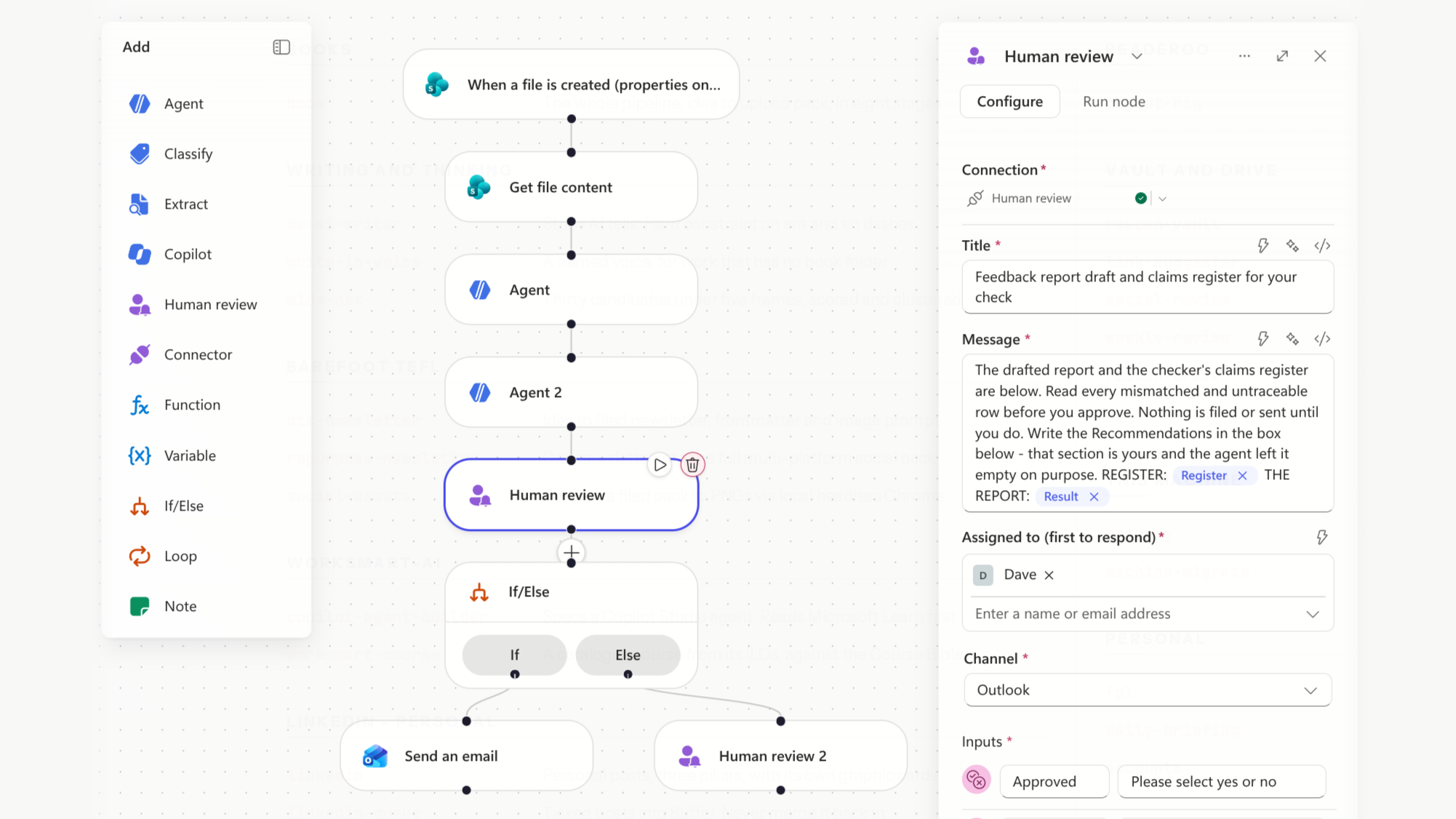
Designing agents and multi-step workflows with checks and handoffs. At this level, AI does more than answer a question: it carries out a sequence of steps, such as gathering information, drafting a report and passing it on for review. The skill is in the design. Which steps can AI do on its own, where does a person need to check the work, and who’s accountable for the result?
Level 5: Integration and Orchestration
Connecting AI into team and institutional systems, and coordinating several tools. This is the level of digital leads and AI leads: AI embedded in the systems an organisation runs on, with several tools working together. It isn’t a target for most staff, and it doesn’t need to be.
Capability, confidence and compliance at every level
Productivity is the outcome everyone wants. Capability, confidence and compliance are how you get there, and the hierarchy tracks all three at each level.
That matters because skill on its own isn’t enough. Staff who can use AI but don’t trust their own judgement won’t use it. Staff who use it confidently but without regard to policy are a risk: Microsoft research with Censuswide in October 2025 found that 71% of UK employees had used unapproved consumer AI tools at work.2 A framework that measured only skill would miss both problems.
| Capability | Confidence | Compliance | |
|---|---|---|---|
| L1 Conversational AI | Uses an AI assistant to draft, summarise and question, refining through conversation | Willing to try AI on low-risk tasks; knows its limits | Follows the AI policy; no sensitive data in unapproved tools; checks outputs |
| L2 Structured Prompting | Uses the R-C-T framework and reusable prompts for reliable, repeatable results | Uses AI routinely without step-by-step help; trusts own judgement on outputs | Applies the Green/Amber/Red Decision Matrix to choose suitable tasks |
| L3 Custom Configuration | Builds reusable assistants with set instructions, tone and knowledge | Shares tools with colleagues; adapts when tools change | Configures with approved data sources, permissions and guardrails |
| L4 Agents and Workflows | Designs and runs agents and multi-step workflows with checks and handoffs | Hands off multi-step work to AI while staying accountable | Builds human checkpoints, data handling and audit trails into workflows |
| L5 Integration and Orchestration | Connects AI into team or institutional systems and coordinates several tools | Leads others’ adoption and makes the case for change | Owns governance: risk assessment, accountability, monitoring |
Read down any column and you can see how each strand grows. Compliance, for example, starts with following the policy, moves to judging which tasks are suitable using a simple Green/Amber/Red Decision Matrix, and ends with owning governance for systems other people rely on.
How we measure progress
A framework is only useful if you can tell where someone is on it. We measure each strand differently:
- Capability: course assessments mapped to published learning outcomes, plus a piece of real work at the higher levels, such as a submitted prompt, a working assistant or a workflow map
- Confidence: can-do statements that staff rate from 1 to 5 before and after training
- Compliance: scenario questions (spot the red flags, classify these tasks as green, amber or red), and at the higher levels, a review of what staff have built against a compliance checklist
This gives leaders evidence of what their training delivered, not just how many people attended.
Don’t skip levels
The most common mistake we see is starting too high. Agents and automated workflows are exciting, and it’s tempting to put them in front of staff straight away. But an agent is only as good as the instructions behind it, and staff who haven’t yet built reliable prompting habits at Level 2 can’t write good instructions for an agent at Level 4. The outputs come back inconsistent, staff lose trust in AI, and work drifts back to the way it was done before.
Each level builds the foundation for the next. Our advice is to start every all-staff programme at Level 1, however confident staff feel, and move a team up once it has something real to build on: a Level 2 prompt it uses every week is the best starting point for a Level 3 assistant.
It’s also fine for different people to stop at different levels. Most staff will get the most value from Levels 1 to 3. A smaller group will go on to design agents and workflows, and only a few need Level 5.
How to use the hierarchy in your organisation
The hierarchy does three jobs:
- Diagnosis. It gives you a shared language for where staff are now. Asking people to place themselves is revealing in its own right, because the gap between where staff think they are and how they actually work tells you where to start.
- A roadmap. It turns AI training from a one-off session into a path, so staff know what comes next and leaders can plan the steps.
- Evidence. Because capability, confidence and compliance are measured at each level, you can show progress over time and report it to the people who fund the training.
Find out where your team sits
The quickest way to place your team on the AI Use Hierarchy is our free AI Capability Check. It’s a 30-minute call over Teams or Zoom, with no obligation. We’ll place your team on the hierarchy, give you two or three prioritised next steps, and send you a written report to keep.
Book your free AI Capability Check
If you’d rather start with numbers, try the AI Savings Calculator to estimate where AI could save your staff time, or explore the courses mapped to each level.
Frequently asked questions
What is the AI Use Hierarchy? A five-level framework that describes how people use AI at work, from everyday conversational use to AI integrated into institutional systems. WorkSmart-AI uses it to plan, deliver and measure staff AI training.
Is it only for Microsoft Copilot? No. The levels describe ways of working, not products, so they apply whichever AI tools your organisation has approved.
Does everyone need to reach Level 5? No. Most staff will get the most value from Levels 1 to 3. Level 5 is for digital and AI leads who connect AI into systems and govern it.
Where do specialist AI tools fit? Tools for research, accessibility and data analysis sit across the levels rather than forming one of their own. A researcher might use a specialist literature tool at Level 1 or build it into a workflow at Level 4.
How do I find out which level my staff are at? Book a free AI Capability Check. We’ll place your team on the hierarchy and recommend the next steps.
Footnotes
Microsoft and LinkedIn, 2024 Work Trend Index: AI at work is here. Now comes the hard part, May 2024. ↩
Microsoft UK, Rise in shadow AI tools raising security concerns for UK organisations, survey of 2,003 UK employees by Censuswide, October 2025. ↩