· David Weller · 8 min read
Copilot licensing in education: a plain-English guide for UK universities
Copilot licensing for education, explained: what free Copilot Chat covers, the academic Copilot licence, agent credits, and who should get a licence first.

Prices and entitlements accurate as of October 2026, checked against Microsoft’s own pages. Microsoft changes Copilot packaging often, so confirm with your reseller before you buy.
Copilot licensing in education is confusing for a simple reason: “Copilot” is the name on a free tool, a paid licence, an agent builder, and a metered credit system. Many universities already have the free tier for every member of staff and every student, and some don’t know it. Others have bought paid licences and found that usage is low.
This guide sets out what each tier gives you, what it costs a UK university or college, how agent credits are billed, and a practical way to decide who should get a paid licence first.
What do staff and students get free with Copilot Chat?
Microsoft 365 Copilot Chat is included at no extra cost with Microsoft 365 A1, A3, and A5 licences1. It’s available to faculty, staff, and higher education students aged 13 and older, signed in with their university account1.
Copilot Chat gives you:
- AI chat grounded in the web, using current models such as GPT-512
- File uploads, so staff can ask questions about a document they provide
- Image generation
- Enterprise data protection for work and school accounts, so prompts stay inside your Microsoft 365 boundary2
- Access to agents, some of which are metered (more on that below)
- Limited organisational grounding in Outlook: inbox, calendar, meetings, and chats in supported scenarios2
The limit that matters is grounding. Outside Outlook, Copilot Chat works from the web and whatever the user pastes or uploads. It can’t search across your SharePoint sites, Teams chats, and files the way the paid licence can2. Free users also get “standard access”, which means some features depend on service capacity2.
For most staff, Copilot Chat is the right place to start. It’s safe, approved, and already paid for. If your staff are using consumer tools instead, the fix is often communication and training, not more licences. Our guide to Copilot Chat vs Microsoft 365 Copilot goes through the differences task by task.
What does a paid Microsoft 365 Copilot licence add?
The paid licence, which Microsoft is now renaming “Microsoft Copilot”, adds reasoning across your organisation’s data32. A licensed member of staff can ask Copilot to pull together emails, meetings, chats, documents, and sites they already have permission to see, and get one answer2.
It also adds:
- Copilot inside Word, Excel, PowerPoint, Outlook, Teams, and OneNote, with priority access2
- Broader grounding through Microsoft Graph and Work IQ, Microsoft’s layer for organisational context2
- Priority access to advanced reasoning models and agents2
- Use of agents built in Copilot Studio inside Copilot, Teams, and SharePoint, without those agents drawing on your credit budget when they use standard features4
- Copilot Analytics, including the Copilot Dashboard, so you can see who’s using it4
Copilot respects existing permissions. It only reaches content the user can already open2. That’s reassuring, but it also means any oversharing in SharePoint becomes easier to find. Check your permissions before a wide rollout.
How much does Microsoft 365 Copilot cost for education?
The academic offering is $18 (USD) per user per month1. Microsoft publishes the price in US dollars only; regional prices vary with exchange rates at the time of ordering1. There’s no public GBP academic price, so ask your reseller or check your agreement.
For comparison, the commercial add-on is £23.10 per user per month paid yearly, or £24.26 paid monthly on an annual commitment, excluding VAT5.
A few rules apply to education:
- You need a qualifying base licence. Eligible plans include Microsoft 365 A1, A3, and A5, and Office 365 A1, A3, and A53
- You can’t buy it off the website. Education plans are bought through an Enrollment for Education Solutions (EES) agreement or a Cloud Solution Provider (CSP)3
- Students can be licensed. The academic offering covers faculty, staff, and students aged 13 and older3
We found no student discount on the paid licence on Microsoft’s pages. Free Copilot Chat is the student offer most universities will use.
How are Copilot Studio agents and credits billed?
This is where budgets go wrong. Agents and some newer Copilot features are billed by use, in Copilot Credits, on top of any licence.
| What | Who pays, and how |
|---|---|
| Copilot Chat | Free with A1, A3, or A51 |
| Agents used by unlicensed Copilot Chat users | Metered pay-as-you-go through an Azure subscription, at $0.01 per credit6 |
| Agents used by licensed staff, standard features | Included in the licence4 |
| Agents built on Copilot Studio’s GitHub Copilot harness | Credits from the moment you start building, including testing7 |
| Copilot Studio credit pack | £153.80 per month for 25,000 credits8 |
| Cowork, advanced work in SharePoint and OneDrive | Credits, and a paid licence is also required9 |
Three points matter for finance leads.
First, a licence doesn’t cover everything. Cowork, which takes on long multi-step tasks, needs a paid licence and also uses credits9. Building agents on the newer GitHub Copilot harness consumes credits from the first test, before anything is published7.
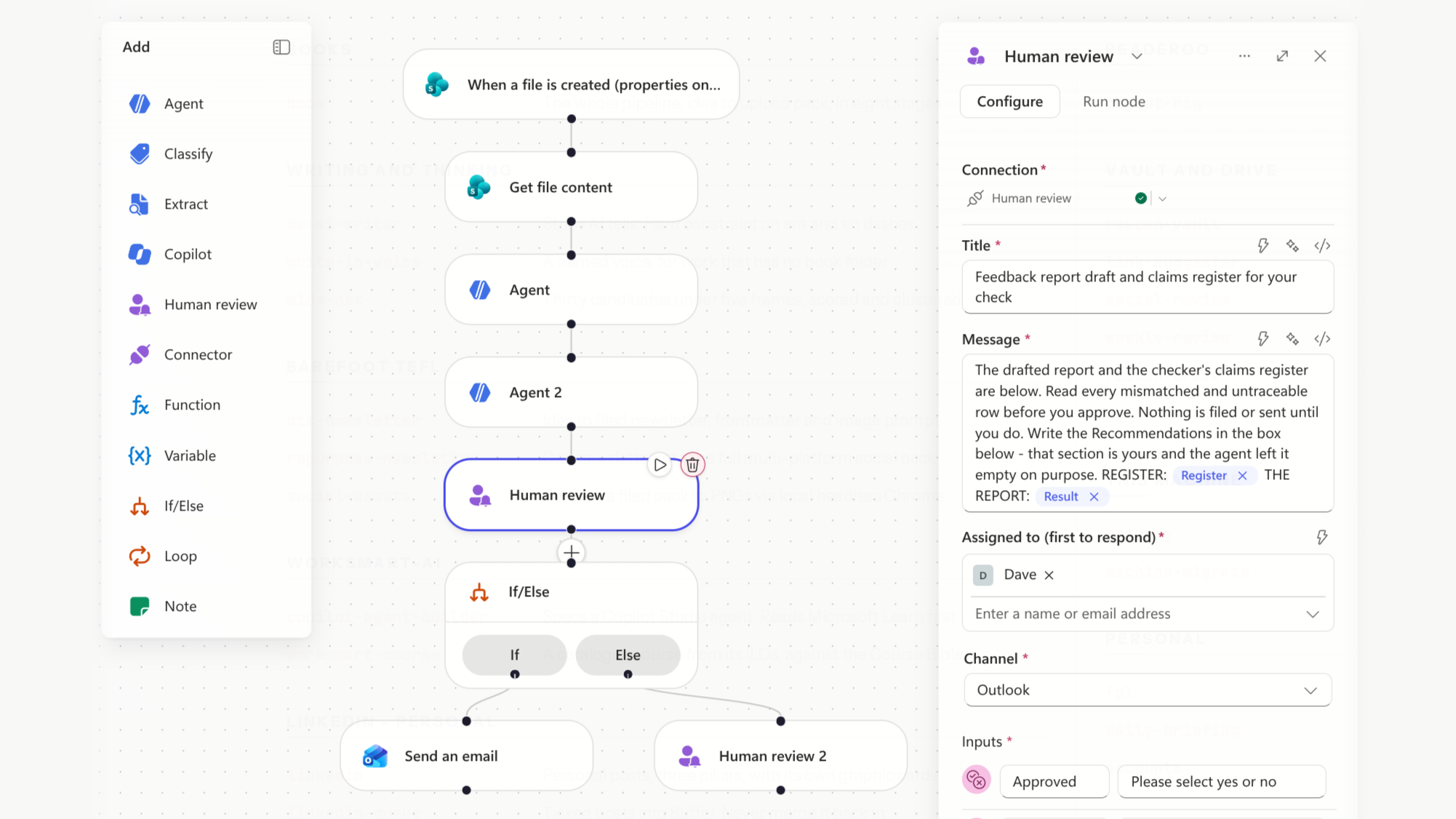
Second, you can control it. Pay-as-you-go is off by default10. Admins set spending policies in the Microsoft 365 admin centre, scope them to groups, and set limits per policy and per user9. Set a cap before you approve anyone.
Third, credits are hard to forecast. Microsoft gives estimators rather than a fixed price per task79. Run a small pilot under a low cap and use real consumption figures to budget. Our guide to agent flows vs workflows in Copilot Studio explains which build choices affect cost.
Who should get a Copilot licence first?
Most universities can’t license every member of staff at once, and shouldn’t. A paid licence is worth most to people who spend their day across email, meetings, and documents, and who’ll use Copilot every week. Here’s the approach we recommend.
- Give everyone Copilot Chat and training first. Make sure staff know it’s there and approved. Teach safe use, prompting, and your AI policy. This raises the floor across the whole institution for no licence cost.
- Find the heavy users. Look at who’s already using Copilot Chat regularly. They’ve shown they’ll use it.
- License roles with a lot of organisational content. Senior leaders, professional services managers, executive assistants, committee secretaries, and programme administrators spend their week in meetings, inboxes, and shared files. That’s where grounding in your own data pays off.
- Run a time-boxed pilot. License one or two teams for a term. Agree beforehand what you’ll measure: weekly active use, time saved, and tasks moved to Copilot.
- Review usage before renewal. Copilot Analytics shows who uses their licence. Reassign unused licences rather than renewing them.
This sits inside a wider plan. Our pillar guide on how to implement AI at your university covers the governance, policy, and training steps around a rollout.
A licence without training gets low usage
Buying licences is the easy part. In our experience, the gap is rarely the tool. It’s that staff weren’t shown how to use it on their own work.
That’s why we start every Copilot programme with real tasks from your staff’s own roles. Our Copilot courses take staff from Copilot Chat through to agents, built around your policy and your Microsoft 365 setup. If you want to estimate the time at stake first, try the AI Savings Calculator.
Find out who to license first
Before you buy more licences, find out where your staff are now. Our free AI Capability Check is a 30-minute call over Teams or Zoom, with no obligation. We’ll place your team on the AI Use Hierarchy, give you two or three prioritised next steps, and send you a written report to keep.
Book your free AI Capability Check
Frequently asked questions
Is Copilot free for universities? Copilot Chat is free for staff and students aged 13 and older with a Microsoft 365 A1, A3, or A5 licence1. The full Microsoft 365 Copilot licence is a paid add-on.
How much is Microsoft 365 Copilot for education? Microsoft lists the academic offering at $18 (USD) per user per month1. There’s no published GBP price; your reseller or EES agreement will give the UK figure.
Can students get Microsoft 365 Copilot? Yes. The academic offering covers faculty, staff, and students aged 13 and older3. Most universities give students free Copilot Chat rather than paid licences.
Do Copilot agents cost extra? Sometimes. Licensed staff use standard agent features at no extra cost4. Unlicensed users, the GitHub Copilot harness, and Cowork use Copilot Credits, billed by use679.
What’s the difference between Copilot Chat and Microsoft 365 Copilot? Copilot Chat works mainly from the web and the files you give it. Microsoft 365 Copilot reasons across your emails, meetings, chats, and documents, and works inside the Office apps2.
Footnotes
Microsoft Education, “Copilot in Education”. https://www.microsoft.com/en-gb/education/products/copilot-in-education ↩ ↩2 ↩3 ↩4 ↩5 ↩6 ↩7 ↩8
Microsoft Learn, “Overview of Microsoft Copilot Chat”. https://learn.microsoft.com/en-us/copilot/overview ↩ ↩2 ↩3 ↩4 ↩5 ↩6 ↩7 ↩8 ↩9 ↩10 ↩11 ↩12
Microsoft Learn, “License options for Microsoft Copilot”. https://learn.microsoft.com/en-us/microsoft-365/copilot/microsoft-365-copilot-licensing ↩ ↩2 ↩3 ↩4 ↩5
Microsoft Learn, “Standard harness licensing - Microsoft Copilot Studio”. https://learn.microsoft.com/en-us/microsoft-copilot-studio/billing-licensing ↩ ↩2 ↩3 ↩4
Microsoft UK, “Microsoft 365 Copilot for enterprise” pricing. https://www.microsoft.com/en-gb/microsoft-365-copilot/enterprise ↩
Microsoft Learn, “Meters for Microsoft Copilot pay-as-you-go services”. https://learn.microsoft.com/en-us/microsoft-365/copilot/pay-as-you-go/meters ↩ ↩2
Microsoft Learn, “Overview of usage-based billing - Microsoft Copilot Studio”. https://learn.microsoft.com/en-us/microsoft-copilot-studio/agents-experience/billing-credit-overview ↩ ↩2 ↩3 ↩4
Microsoft UK, “Copilot Studio pricing”. https://www.microsoft.com/en-gb/microsoft-365-copilot/pricing/copilot-studio ↩
Microsoft Learn, “Usage-based billing and cost management for Copilot Credits”. https://learn.microsoft.com/en-us/microsoft-365/copilot/usage-based-billing-overview-copilot-credits ↩ ↩2 ↩3 ↩4 ↩5
Microsoft Learn, “Microsoft Copilot pay-as-you-go service overview”. https://learn.microsoft.com/en-us/microsoft-365/copilot/pay-as-you-go/overview ↩