Senior leaders and L&D
Frame your AI strategy in language your staff and trustees can act on - not just hype.
Free PDF guide
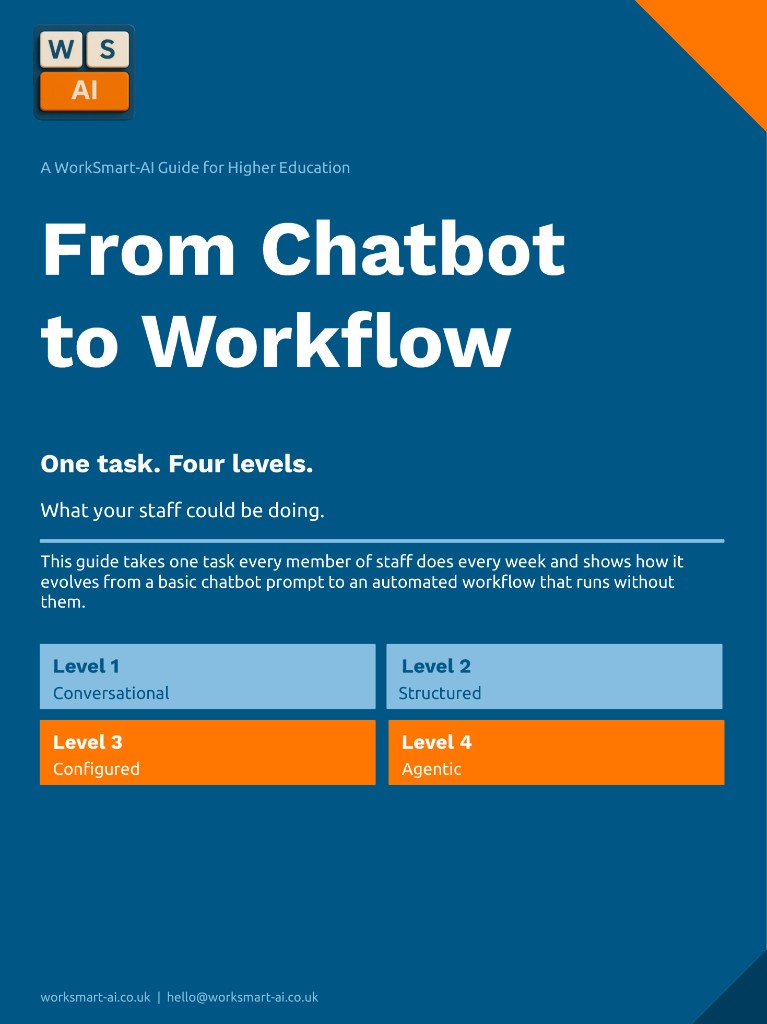
One familiar task, traced up the AI Use Hierarchy: from ad hoc prompts to repeatable workflows your teams can follow, without drowning in hype or one-off prompts.
No spam.·Download instantly.·Scroll down for more info.
Get your free copy
InstantEnter your name and work email to download instantly.
Inside the guide
Five levels, from first use to institutional capability. The guide shows real, tangible examples of how one task changes as staff move up, and the estimated time saved.
Open an AI assistant, paste, prompt, refine.
Where most staff start, and where most AI training stops.
Reusable prompts, templates and instructions.
Same task every week? Stop typing it from scratch.
Custom GPTs and Copilot agents tuned to your role.
Your guidelines, tone of voice and source files, on tap.
Workflows that run with minimal manual effort.
Triggered by a meeting, an inbox, a calendar, not by you.
AI connected into team and institutional systems.
Several tools coordinated, with governance in place.
What's inside
A task-every-term approach: turning meeting notes into a clean action summary. You'll see how that task evolves from a basic chatbot prompt to an automated workflow, using tools many institutions already have.
Who it's for
Whether you're shaping policy or saving time on your inbox, the same five-level hierarchy applies.
Frame your AI strategy in language your staff and trustees can act on - not just hype.
Move from one-off prompts to repeatable AI for teaching prep, feedback and research admin.
See where the real time savings live in admissions, comms, finance, HR and student support.
2-3 hours
estimated saving per staff member, per week
Moving from Level 1 to Level 2 alone could save an estimated 2 to 3 hours per staff member per week across common tasks. This is our estimate from the worked examples in the guide, not a measured result. Try your own figures in the AI Savings Calculator.
Quick answers
10 pages, designed to read in around five minutes. One worked example, traced up the AI Use Hierarchy, with the estimated time saved at each level.
No. The guide uses tools many UK universities already have, including Microsoft Copilot, Teams and Power Automate. The principles work with any modern AI assistant.
No. You download the guide right away; we only send a small number of relevant follow-ups. You can unsubscribe in one click at any time.
Yes - please do. The guide is written to be circulated. If you'd like a session walking your team through it, just reply to the email.
WorkSmart-AI delivers structured AI training built specifically for higher education - from foundational literacy to agentic workflows.
Can we use analytics cookies?
We'd like to use Google Analytics to see which pages people visit, so we can improve the site. Google sets these cookies and receives the data. Nothing is set unless you accept. Cookie Policy